SH1
4 cores · 4 GB RAM
AR$89,700US$60per month
Out of stock · notify meFree We move your site and email with no downtime or cost
Windows · Cloud server
Cores and memory you share with nobody, so the ERP and its SQL Server database respond evenly even with half the company connected over Remote Desktop from the office, a branch or home. In our Buenos Aires datacenter.
SQL Server, Windows Server and RDS CAL licenses vary with each installation, so the customer provides them. Tell us how many people will connect at once and we will help you choose the server.
When several people enter orders at once, the ERP needs steady response times. Here CPU and memory are exclusive and do not depend on what another customer is doing.
Each user opens a Remote Desktop session and works on the same data. No copies to sync and no versions overwriting each other.
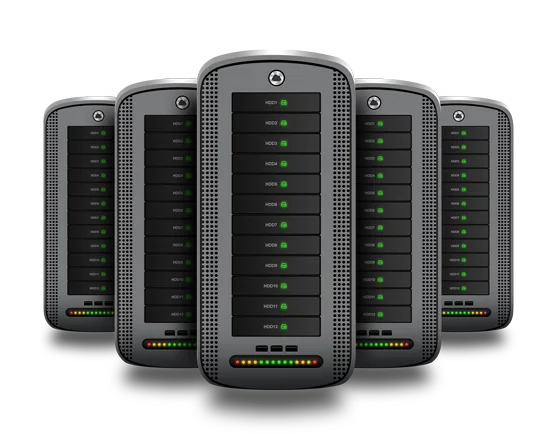
The disks work as a RAID 10 array with one on standby: if a disk fails, the spare takes its place and the database keeps answering.
No hardware of your own, no UPS to maintain and no air conditioning breaking down on a Saturday. Pay one final monthly price and add cores or memory as the company grows.
Plans
These are our regular plans: the link opens the cart with this page’s option selected, and you can change it there.
4 cores · 4 GB RAM
AR$89,700US$60per month
Out of stock · notify me4 cores · 6 GB RAM
AR$97,175US$65−10 % with INH
AR$87,458US$58.50per month
Order SH2Recommended
4 cores · 8 GB RAM
AR$104,650US$70−10 % with INH
AR$94,185US$63per month
Order SH38 cores · 8 GB RAM
AR$112,125US$75−10 % with INH
AR$100,913US$67.50per month
Order SH48 cores · 16 GB RAM
AR$119,600US$80−10 % with INH
AR$107,640US$72per month
Order SH58 cores · 32 GB RAM
AR$127,075US$85−10 % with INH
AR$114,368US$76.50per month
Order SH6Getting started
Which system you use, how many people connect at the same time and how large the database is today.
With that information we pick the server. For a small team, an SH3 (4 cores, 8 GB of RAM) tends to do the job.
Install the business software, load the database and each person connects with their own user:
mstsc /v:TU_IPFAQ
It comes down to the software you use and the remote access licenses you own. As a pointer: a small team usually works well on an SH3 (8 GB); if many more people connect at once, move to an SH5 (16 GB) or an SH6 (32 GB).
A VPS has guaranteed resources on a node it shares with other customers and performs well with one application and few users. The cloud server adds dedicated hardware, more cores and memory, and RAID 10 storage with a standby disk, which is what an ERP with many people working in parallel needs.
No. Every installation needs its own —Windows Server, SQL Server and remote access— and the customer brings them. If you are unsure which ones you need, we go over it together before you order.
Backups are not included. RAID 10 with a standby disk protects you if a disk breaks, not if someone deletes data or ransomware encrypts it: for that you need your own backup, off the server, and we can help you plan it.
Tell us about your project and we will help you size it: VPS, cloud server or colocation. You talk to a person who knows servers.
Talk to an engineer